Ugreen
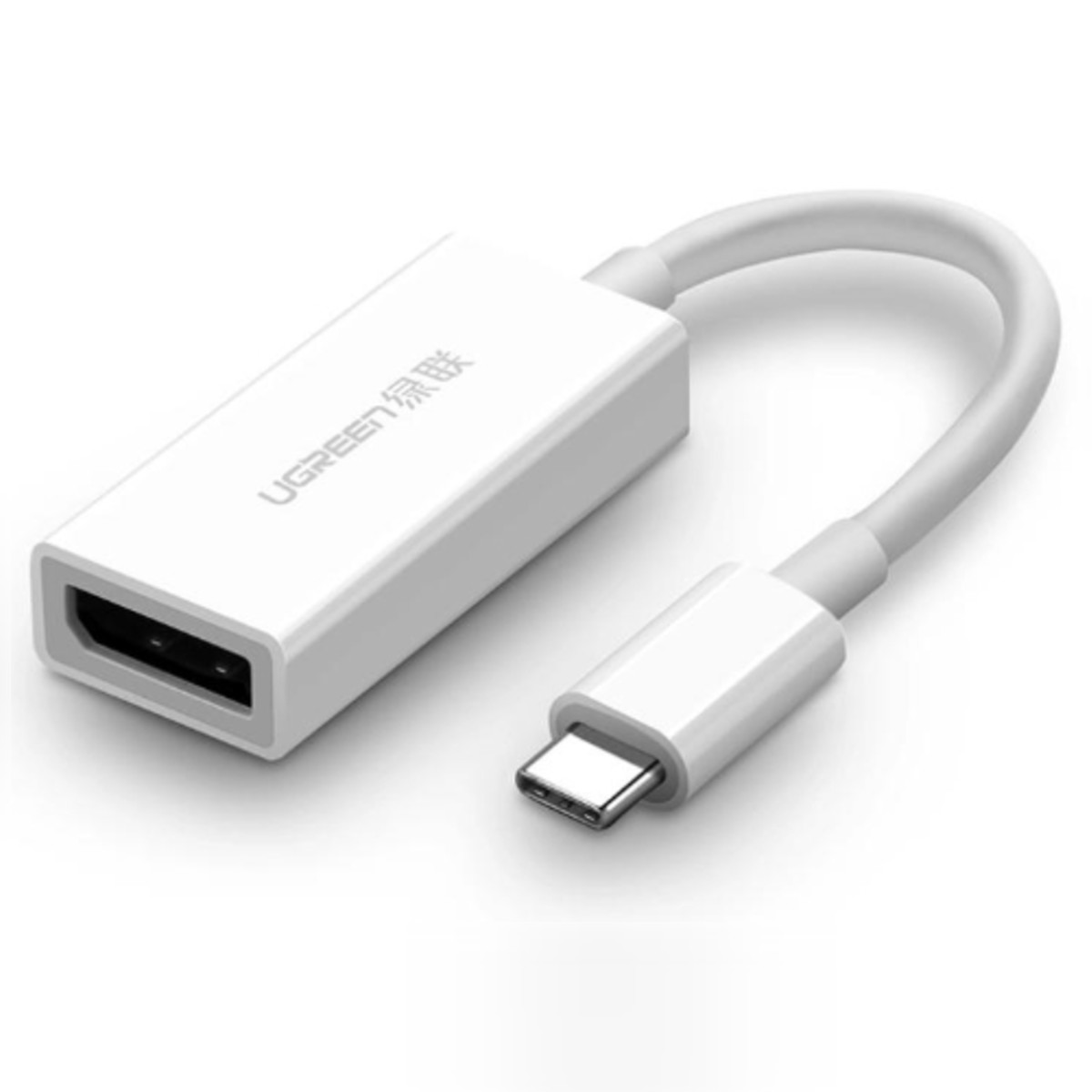
UGREEN USB-C to DisplayPort Adapter, White
- Same or next-day delivery, from Ksh 200
- Free collection in Westlands
- M-Pesa or cash
Delivery or collection
Same-day or next-day delivery, depending on your location. Delivery fees start from KES 200, depending on your location. Pay by M-Pesa Paybill, or in cash at our Westlands shop.
Or see it in person and buy over the counter at our Westlands shop — Woodvale Centre, Shops ML 46-48, Woodvale Grove, Westlands, opposite Westlands Market. Directions & opening hours →
Product Description Click to view
UGREEN USB-C to DisplayPort Adapter, White
Product Description
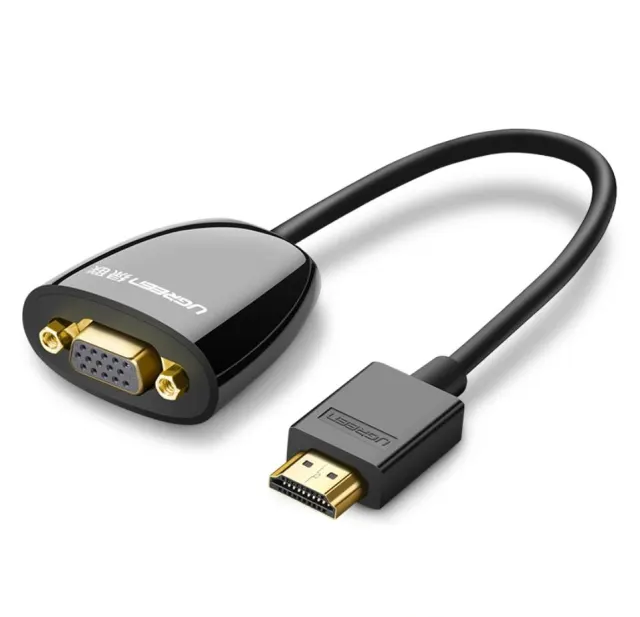
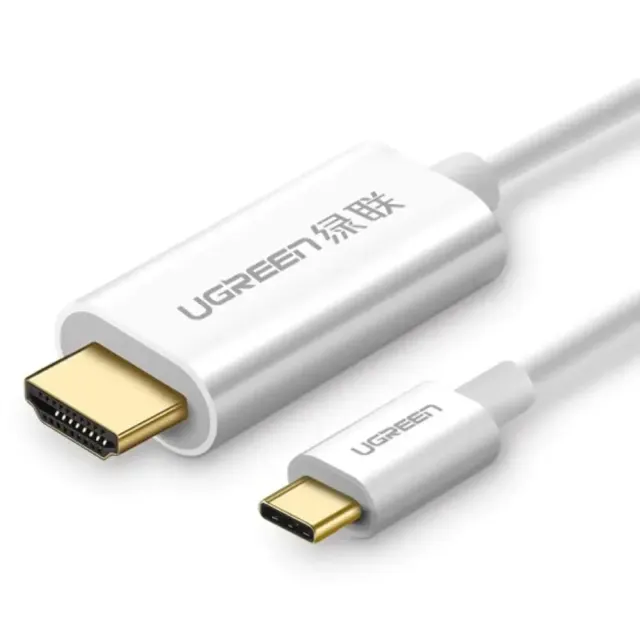
The UGREEN MM130 (part no. 40372) is a white USB-C to DisplayPort adapter that connects a laptop, tablet or phone with a USB-C video output to a DisplayPort monitor at up to 4K@60Hz. A 15 cm lead ends in a full-size DisplayPort female socket, so you keep using the DisplayPort cable already attached to the monitor. Made for office desks where the monitor has DisplayPort but the new laptop only has USB-C.
A laptop with HDMI, DisplayPort or USB-C will not plug straight into a monitor or projector that only has VGA or HDMI. The UGREEN MM130 DisplayPort adapter bridges the two ports so you can use the screen you already have. It is made for people whose laptop and display do not share the same video port.
Key Features and Benefits
- Practical bridge between ports: Keeps older projectors and monitors useful when the laptop has moved on.
- 4K@60Hz: a 4K monitor runs at full refresh rate, not the 30Hz of cheaper adapters.
- DisplayPort female socket: plug in the monitor's existing DP cable; no need to replace it.
- Compact white body: 49 × 22.5 × 11 mm, matched to white and silver laptops and desks.
- Shielded, twisted-pair lead: gold-plated USB-C plug and a shielded 15 cm cable keep the 4K signal clean.
Made for Life in Nairobi and Across Kenya
Connect a new laptop to the older VGA projector in a boardroom, school hall or church, or plug a laptop into a monitor that only accepts one type of input.
Buying and Setup Tips
- Check the direction: a converter goes from the source port to the display port, and it does not work in reverse in most cases.
- Confirm which ports your laptop and display have before buying.
- If sound is needed, check whether the converter carries audio, and plan a separate audio route if it does not.
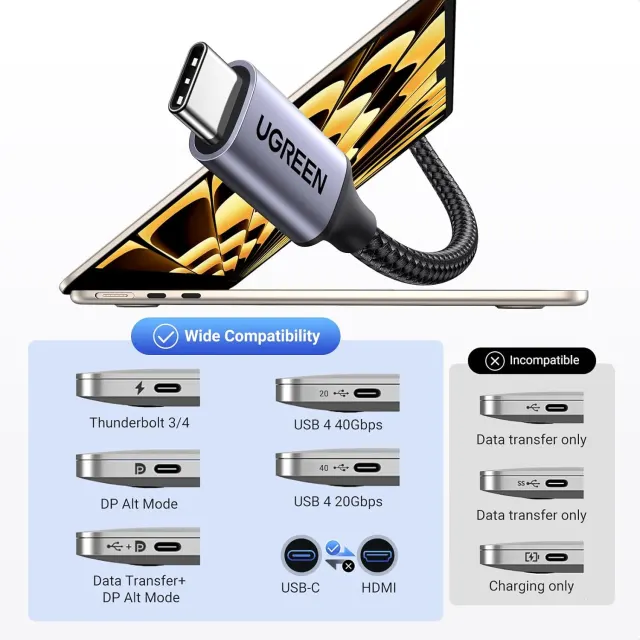
- The USB-C port on the source must support DisplayPort Alt Mode (Thunderbolt 3/4 ports do).
- It is one-way: USB-C device to DisplayPort monitor.
- It will not connect a DisplayPort graphics card to a USB-C monitor.
Who It's Perfect For
- Offices and schools with older projectors
- Laptop users meeting a different port at every venue
- Technicians and IT support
- Anyone reusing an older monitor
Specifications at a Glance
- Brand: UGREEN
- Model: MM130
- Product type: DisplayPort adapter
- Colour: White
- Input: USB-C male
- Output: DisplayPort female
- Max resolution: 3840 × 2160 at 60Hz
- Cable length: 15 cm
- Dimensions: 49 × 22.5 × 11 mm
- Connector: Gold-plated
- Reference: UGREEN USB-C to DisplayPort Adapter (White) - MM130
Frequently Asked Questions
Does it carry sound?
If audio is not listed for this model, plan a separate audio connection.
Can I use it in reverse?
Most converters work in one direction only. Match the connector on your source device to the input side of the converter.
Will it run my 4K monitor at 60Hz from a Dell XPS?
Yes. Dell XPS USB-C and Thunderbolt ports output DisplayPort video, and the MM130 passes 4K@60Hz to a DisplayPort monitor.
Can I use it with a phone?
Only phones that output video over USB-C, such as Samsung models with DeX. Most budget Android phones do not, so check the phone's spec first.
Do I need a special DisplayPort cable?
No. The standard DP cable that came with the monitor plugs into the adapter's socket. For 4K@60Hz it should be a DisplayPort 1.2 or newer cable.
Genuine UGREEN quality, ready for connecting monitors and projectors (model MM130). A dependable choice for customers in Nairobi and across Kenya.