
Ugreen
UGREEN DP Male to HDMI Male Cable 5m, Black
- Same or next-day delivery, from Ksh 200
- Free collection in Westlands
- M-Pesa or cash
Delivery or collection
Same-day or next-day delivery, depending on your location. Delivery fees start from KES 200, depending on your location. Pay by M-Pesa Paybill, or in cash at our Westlands shop.
Or see it in person and buy over the counter at our Westlands shop — Woodvale Centre, Shops ML 46-48, Woodvale Grove, Westlands, opposite Westlands Market. Directions & opening hours →
Product Description Click to view
UGREEN DP Male to HDMI Male Cable 5m, Black
Product Description
Five metres of UGREEN DP101 (part no. 10204) lets a DisplayPort computer drive an HDMI screen on the far side of a room: a wall-mounted TV in a boardroom, a projector on a ceiling bracket, or a monitor on a second desk. The cable converts DisplayPort to HDMI internally and supports 4K@30Hz and 1080p@60Hz, with a 28AWG tin-plated copper core and multiple shielding layers to hold the signal steady over the longer run.
One small screen limits how much you can see, and a mismatched cable gives you a blank display. The UGREEN DP101 DisplayPort to HDMI cable links your computer to a monitor so your desktop appears on the larger screen. It is made for people who work with an external monitor or a second screen.
Key Features and Benefits
- 5m length: 5m between computer and monitor gives you room to position the display where you want it.
- Digital video connection: DisplayPort is a digital video connection used on many monitors and graphics cards.
- 5 m reach: run from a desktop or dock to a ceiling projector or wall TV without an extension or repeater.
- 4K@30Hz and Full HD 60Hz: sharp enough for presentations, dashboards and shop-floor displays.
- 28AWG tin-plated copper: thicker conductors than a short patch cable, chosen to limit signal loss over five metres.
- Multiple shielding layers: resists interference from mains cables and fluorescent fittings in the ceiling.
Made for Life in Nairobi and Across Kenya
Set up a second monitor at your desk in Westlands or Kilimani, extend your laptop display for spreadsheets and design work, or connect a graphics-card PC to a high-refresh monitor.
Buying and Setup Tips
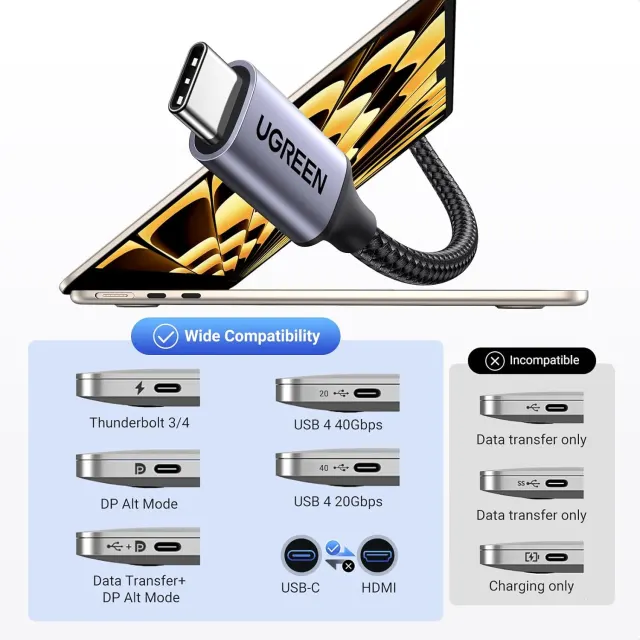
- Check which video ports your monitor and computer have, and whether your USB-C port supports video output.
- If you want a high refresh rate or 4K, make sure the monitor and the graphics output are rated for it.
- Measure the distance first and choose a length with a little slack.
- Only a DisplayPort output can drive this cable; it cannot be reversed to feed a DisplayPort monitor from an HDMI source.
- Plan the route before buying: 5 m covers a typical meeting room, but trunking around door frames eats length quickly.
Who It's Perfect For
- Office and remote workers using a second monitor
- Designers, editors and traders who need screen space
- Gamers with high-refresh monitors
- Anyone linking a laptop to a desktop display
Specifications at a Glance
- Brand: UGREEN
- Model: DP101
- Product type: DisplayPort to HDMI cable
- Length: 5m
- Colour: Black
- Connectors: DisplayPort male to HDMI male, gold-plated
- Max resolution: 3840 × 2160 at 30Hz
- Wire core: 28AWG tin-plated copper
- Outer diameter: 7.3 mm
- Shielding: Multiple internal shielding layers
- Audio: Carried with video
- Direction: DisplayPort source to HDMI display only
- Reference: UGREEN DP Male to HDMI Male Cable 5m (Black) - DP101
Frequently Asked Questions
Does my laptop support video over USB-C?
Only USB-C ports that support DisplayPort Alt Mode or Thunderbolt can output video. Check your laptop specifications.
Can I use it with an HDMI monitor?
Only if the cable has an HDMI end. Match the connectors on both devices to the cable.
Will it reach a projector mounted on the ceiling from a lectern PC?
In most rooms, yes. Lectern to ceiling bracket is usually 3 to 4 m once the cable climbs the wall and crosses the ceiling, leaving a little slack.
Is there any picture loss at 5 m?
The thicker 28AWG core and shielding are there precisely for this length. At 1080p@60Hz or 4K@30Hz the image is stable across the full run.
Can I use this from a laptop's USB-C port?
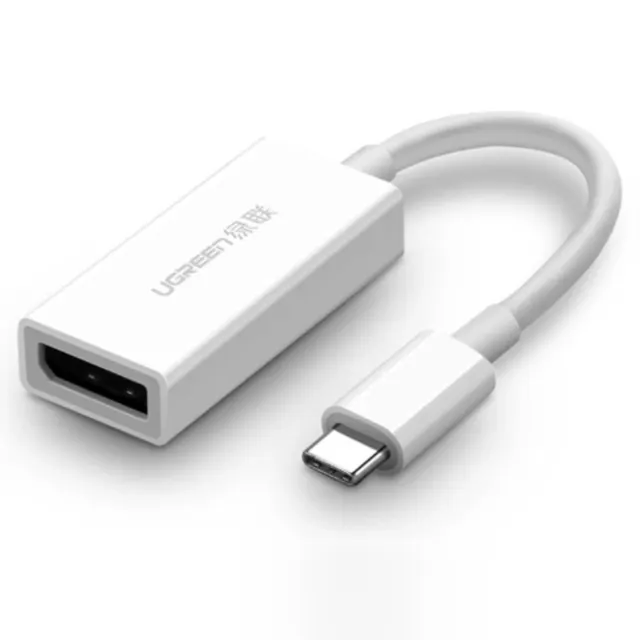
Only through a USB-C to DisplayPort adapter or dock. The cable itself needs a full-size DisplayPort output at the computer end.
Genuine UGREEN quality, ready for monitors and displays (model DP101). A dependable choice for customers in Nairobi and across Kenya.